
Bake textures for export
The process system is new and only in the early access version of Human Generator. It replaces the process tab of version 4.0, which is deprecated. Details can still change; if something doesn't work or looks wrong, let us know.
The skin, eyes and hair of a Human Generator human are procedural materials: node trees that mix textures, colors and masks at render time, which other programs can't read. Bake textures renders every material to plain image maps and replaces it by a simple material with those images, packed the way the shaders of Unity, Unreal Engine or Godot expect. The materials are copied first, so the original human keeps its procedural ones.
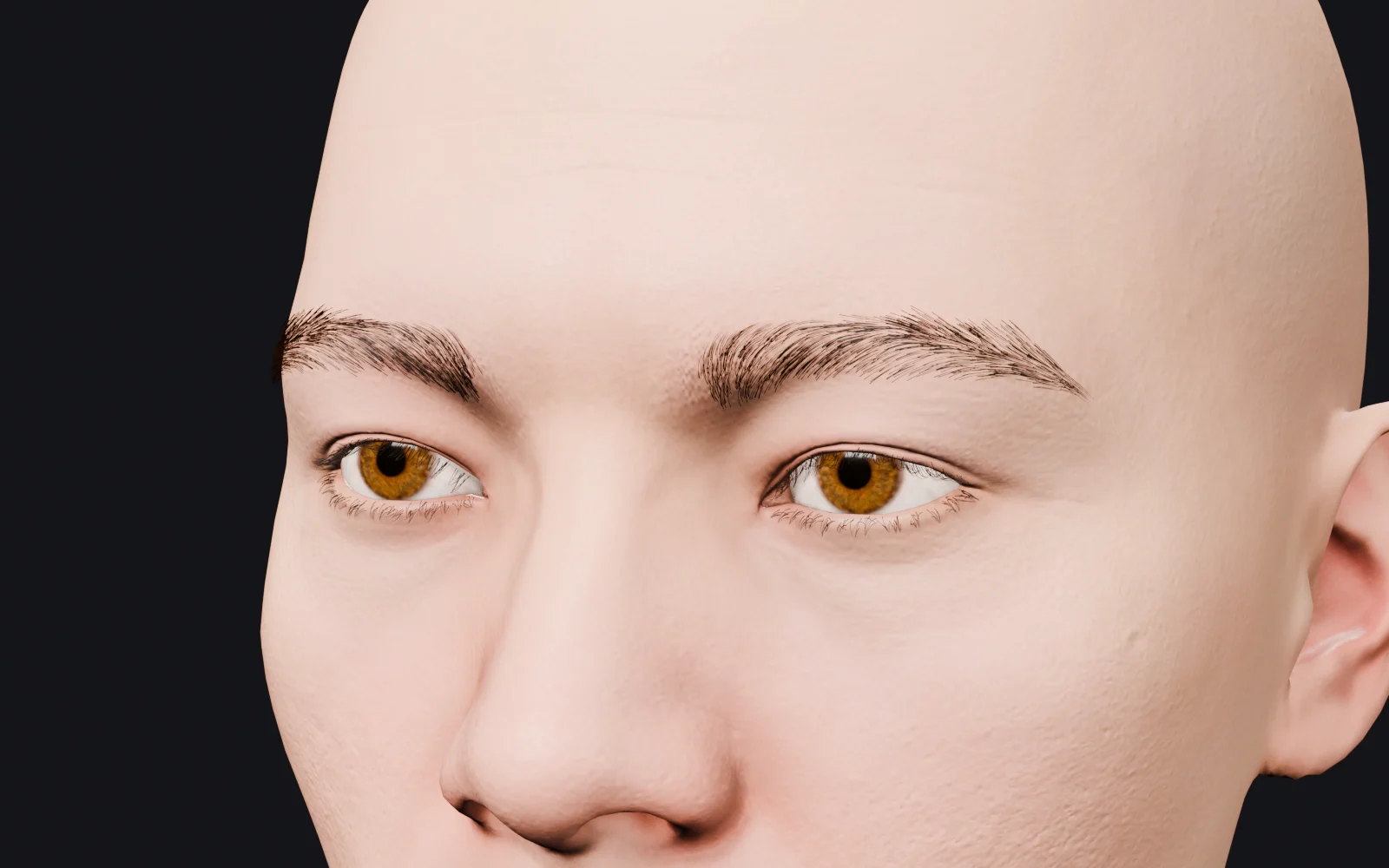 2k textures
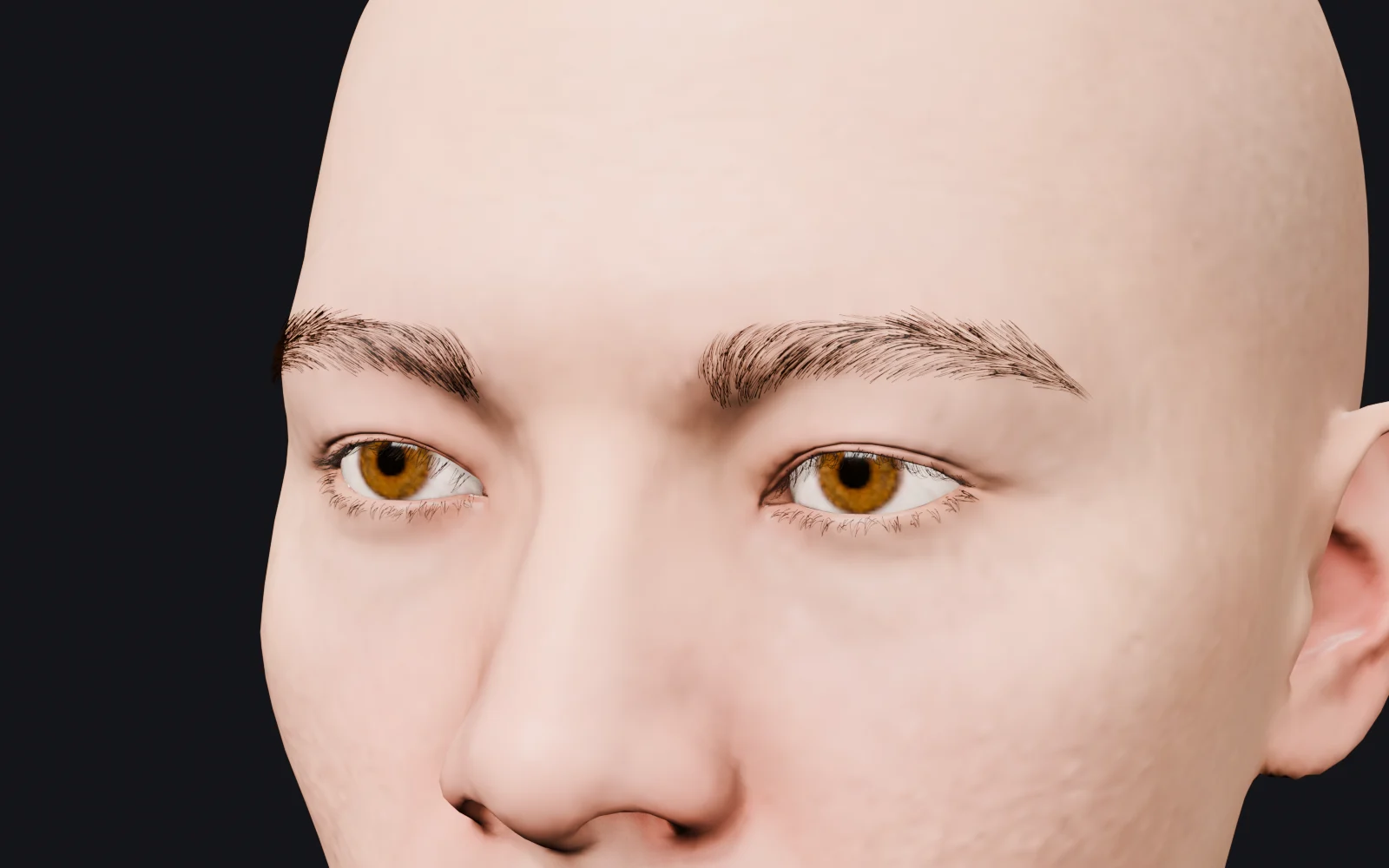 512 px textures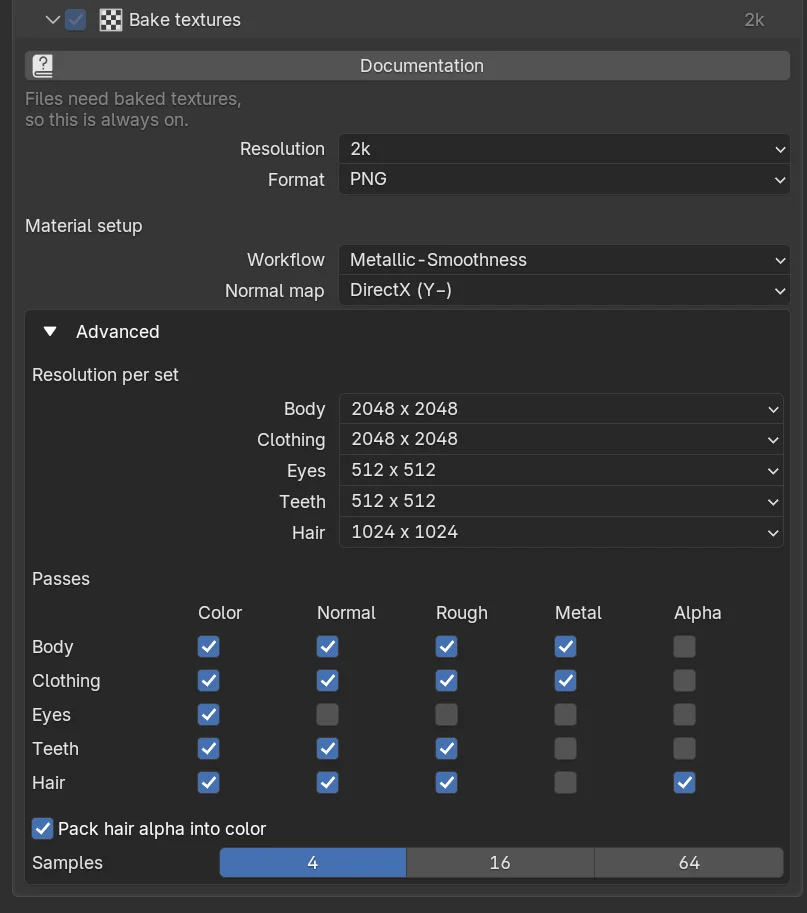
You get one set of textures per part: the body (skin), each piece of clothing, the eyes, the teeth and the hair (the cards, and one shared haircap). The maps are written to the texture folder of the Output and named after the material and the pass: the skin of the body gives Jake_Skin_BaseColor.png, the hair cards Jake_HairCards_BaseColor.png and the haircap Jake_Haircap_BaseColor.png. Inputs that are plain values, like the specular of the skin or the roughness of the eyes, are not baked to a map but kept as a value on the baked material and listed in the .humgen3d.json file, so the Companions can set them. The eyes get a color and a normal map: the normal map holds the cavity of the iris, which is what gives the single-layer game eyes their depth under a light.
What the hair cards get
The hair cards are baked for a cutout: their alpha is the strand coverage of the hair atlas rather than the translucent alpha the cards have in Blender, the color is spread into the gaps between the strands so filtering doesn't darken their edges, and their roughness map comes from the strand highlights of the atlas, so every strand reflects on its own instead of the whole card. They also get a flow map (Jake_HairCards_Flow.png) with the direction of the strands and a noise per strand, which the Companions' hair shaders read, see Haircards › Hair shading. With Haircap On skin the haircaps of the hair, beard and eyebrows are painted into the skin textures, and the shared haircap textures are only those of the eyelashes.
Resolution
One choice sets the resolution of every part, with the body and clothing largest and the small parts smaller:
| Tier | Body | Clothing | Hair | Eyes | Teeth |
|---|---|---|---|---|---|
| 4k | 4096 | 4096 | 2048 | 1024 | 512 |
| 2k (default) | 2048 | 2048 | 1024 | 512 | 512 |
| 1k | 1024 | 1024 | 512 | 256 | 256 |
| 512 | 512 | 512 | 256 | 128 | 128 |
2k is right for most characters. Use 4k for a hero seen up close, 1k or 512 for crowds, mobile and quick test exports. The resolution is also the main factor in how long baking takes and how large the export is: a 4k set is four times the pixels of a 2k set.
Baking is the slow part of the process. Use a low resolution while you try settings, and raise it for the final export. On an Apple M1 Max a human with an outfit, a hairstyle and a beard takes about 55 seconds at 1k, 85 seconds at 2k and 3 minutes at 4k, hair cards included.
The resolution, the time it took and your processor help us give better estimates. Tell us.
Format
PNG is lossless and keeps the alpha channel the hair cards need. JPEG gives much smaller files but has no alpha channel, so the transparency of the hair cards is written as a separate grayscale map, which not every importer picks up.
With JPEG textures the hair can come out solid in the engine, as its alpha is a separate file. The tab warns when both are chosen. Use JPEG for characters without hair cards, or when size matters more than the hair.
Material setup
How the maps are packed, so the materials in the engine work without rewiring. The recipes set these to what the engine expects.
Workflow
| Workflow | Packing | For |
|---|---|---|
| Separate maps | One grayscale image each for roughness and metallic | Readable everywhere, the most files |
| Metallic-Roughness | Roughness in the green channel, metallic in the blue | glTF and Godot |
| ORM | Occlusion in red, roughness in green, metallic in blue | Unreal Engine |
| Metallic-Smoothness | Metallic in RGB, smoothness (the inverse of roughness) in the alpha channel | The Unity Standard and URP Lit shaders |
Normal map
The two conventions differ in the direction of the green channel. OpenGL (Y+) is used by Blender, Unity, Godot, glTF and three.js. DirectX (Y−) is used by Unreal Engine by default.
Choose the wrong convention and the pores and wrinkles of the skin look pressed in, and a seam can show at the shoulders. The recipes set it; if the skin looks dented in the engine, this is the first thing to check.
Advanced
Resolution per set sets each part on its own; the tier at the top then reads Custom. Passes chooses which maps are baked per part. Base color and normal are what every material needs; roughness and metallic can be left out for parts where they are constant (the add-on already skips maps whose inputs are plain values and puts the value on the material instead). Alpha is only needed for the hair, and Flow only for the hair cards: leave it out when nothing in the other program reads it.
Pack hair alpha into color puts the transparency of the hair cards in the alpha channel of their color texture, which is how engines expect it. Off, the alpha is a separate grayscale map. Samples is the number of render samples per pixel. 4 is enough as the maps are baked from the material inputs rather than lit; raise it if you see noise in a normal map.
Skin in a game engine
The skin of a Human Generator human is rendered with subsurface scattering in Blender, which softens the pores and lets light through the ears and nose. A plain lit material in a game engine has none of that, so the baked skin looks flatter and harsher than in Cycles or Eevee until the engine's own scattering is turned on: the Subsurface Profile shading model in Unreal, the Subsurface Scattering material type in Unity HDRP, Subsurface Scattering in skin mode in Godot. The Companions for Unreal, Unity and Godot set this up on import. URP and the Built-in pipeline of Unity have no subsurface scattering in their standard shaders; in URP the Unity Companion gives the skin a shader that approximates it.
Baking a copy for Blender
For the In this file output the section is optional. Turn it on to get a copy with simple image materials, which renders faster and uses far less memory than the procedural skin, for example for a crowd or for a scene that goes to a render farm. The baked materials are wired so the copy renders in Blender close to the original, including packed maps; subsurface scattering and the procedural skin detail are not baked. Turn it off to keep the procedural materials on the copy.
You don't need to bake for that. The Skin section lets you switch the skin textures of a human to a lower resolution.
If a baked copy differs from the original in a way that matters to you, a render of both says it best. Tell us.
How baking works, and why it takes a while
Every object is baked pass by pass, and each pass is a small render. A human with an outfit and hair has around ten objects and five passes each, so there are around fifty renders; a minute and a half at 2k on a fast computer, and longer for several LOD levels, although the levels after the first only bake the eyes and hair cards and share the rest. The bake runs on the CPU on purpose, which turned out faster than starting the GPU for every pass.
Baking from Python
settings.textures.set_resolution_tier("1k")
settings.textures.resolution["body"] = 4096
settings.textures.workflow = "orm"        # "separate", "metallic_roughness", "orm", "metallic_smoothness"
settings.textures.normal_map = "directx"  # or "opengl"
settings.textures.passes["clothing"] = ["base_color", "normal"]
To bake a human in place (on a human.duplicate(); the materials are replaced):
images = human.process.bake_textures(settings.textures, folder="/path/to/textures")See TextureBakeSettings and ProcessSettings › bake_textures.
Frequently asked questions
Which texture maps does an exported character have?
Per part a base color, a normal map and, where the material isn't a plain value, roughness and metallic, packed as separate maps, Metallic-Roughness, ORM or Metallic-Smoothness depending on the recipe. The hair cards also have an alpha in their color texture and a flow map for hair shading.
Why does the skin look different in the engine than in Blender?
Blender renders the skin with subsurface scattering, a game engine's plain lit material does not. Turn on the engine's own scattering (Subsurface Profile in Unreal, Subsurface Scattering in Unity HDRP and Godot); the Companions do this on import, and in Unity URP the Companion ships a skin shader that approximates it.
Can I bake at a lower resolution to speed up a test export?
Yes. The 512 and 1k tiers bake in well under a minute. The resolution only affects the baked copy, so switch back to 2k or 4k for the final export.