Where to find my downloads
How to find my downloads?
Step 1:
Go to https://BlenderMarket.com and log in to the account you purchased Human Generator with.
If you purchased Human Generator as a guest, you can use the BlenderMarket order retrieval system. Find more information on this page:
Step 2:
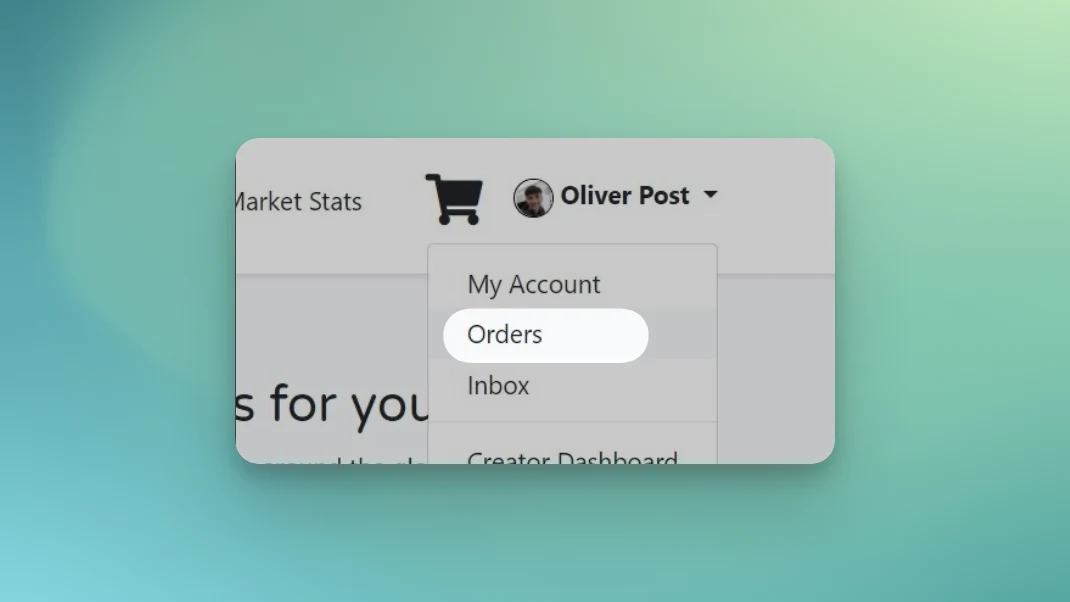
Once logged in, hover over your name in the top right corner and click on orders.
Step 3:
The orders page will open. On this page, find your Human Generator order and click on the big Downloads button next to it.

Step 4:
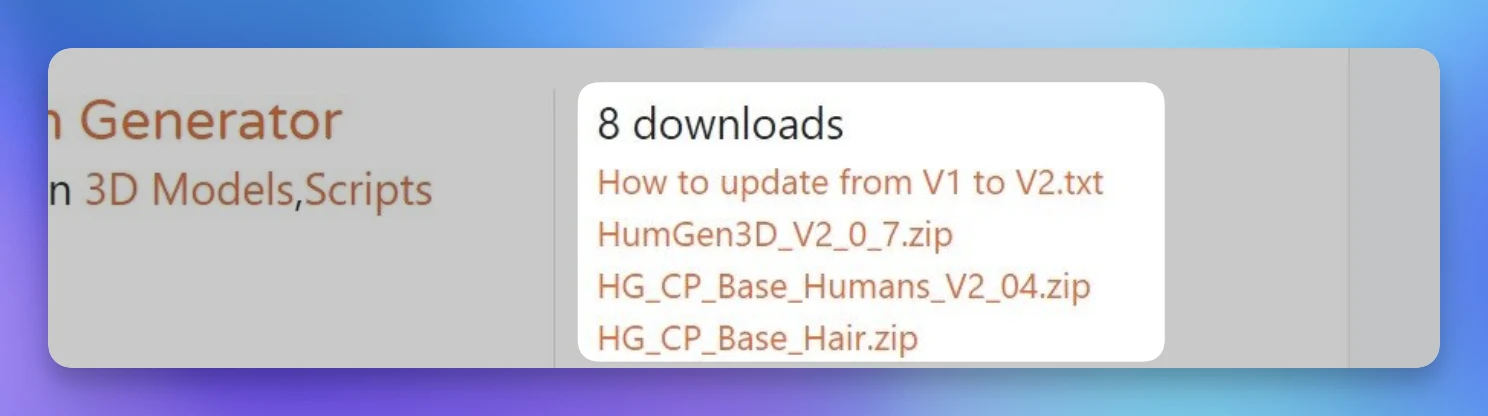
You are now on the downloads page. This is where you’ll find the latest updates of Human Generator. Simply click on the links and the download will start.