
How to update HG
Updating the add-on will give you access to the latest features and fixes. Haven't installed the add-on yet in the first place? Please see the How to install HG guide.
This guide covers three scenarios:
- You are already using Human Generator V4 and want to update to the latest version.
- You are using an older version of Human Generator (anything before V4) and want to update to V4.
- [[Main|If you want to update to the
mainbranch of the Human Generator code]]
Updating if you're already using V4
Human Generator V4 comes with an automatic update system. The system might be familiar to you, as it's also in use by other add-ons. You can find the updater in the Human Generator preferences (edit>preferences>add-ons>Human Generator). It's at the bottom of the "Settings" tab of the Human Generator preferences.
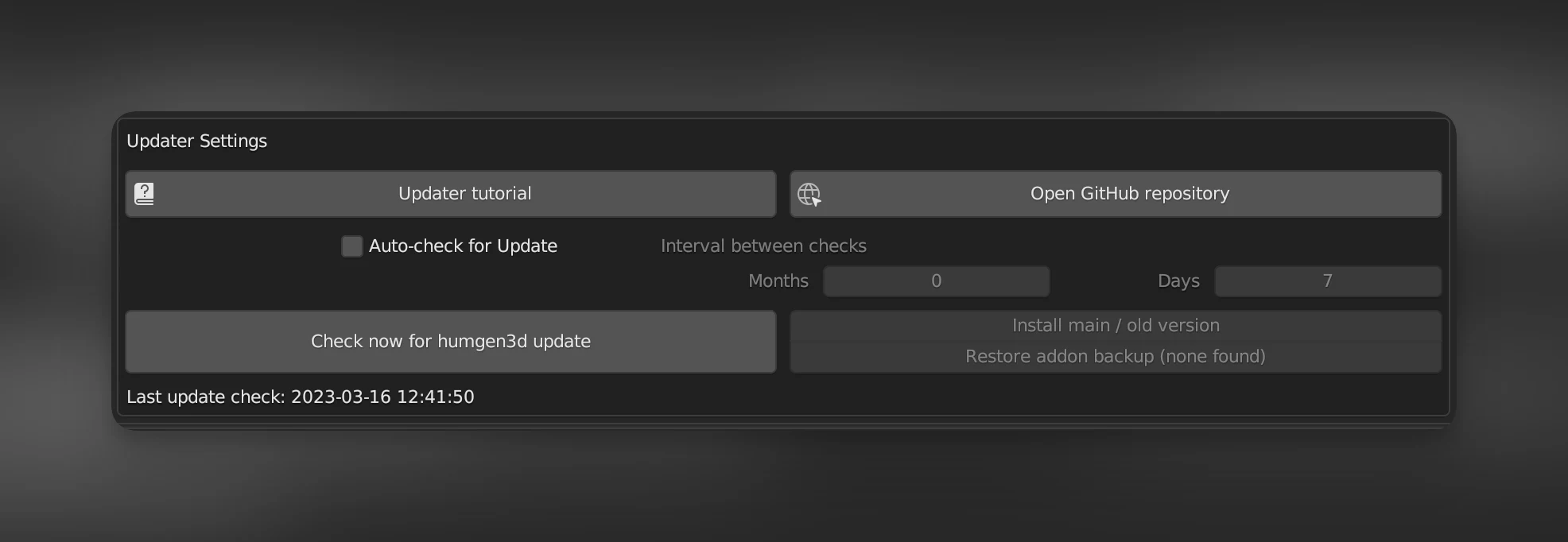
To update to the latest release:
Do you want to get the latest stable and tested features and fixes? Use this method.
- Press "Check now for update"
- If an update is available, the button will say "Install update", press it.
- The update will be installed and a popup will show to restart Blender. Press the button and Blender will close.
- Restart Blender, the add-on is now updated.
To update to the latest changes (experimental):
Human Generator is developed as open source software on GitHub. If we make a fix or add a feature, you can use it right away if you choose to. CAREFUL: These changes only undergo a basic test (does the add-on start and can a human be created) before they are uploaded. It's highly likely that bugs or unexpected results are included. It's however always possible to restore the add-on to the latest backup.
- Press "Check now for update"
- Press "Install main/old version"
- Make sure "Main" is selected
- Press "Okay"
- The update will be installed and a popup will show to restart Blender. Press the button and Blender will close.
- Restart Blender, the add-on is now updated.
Updating to V4 from an older version
Human Generator V4 is NOT backwards compatible with older versions. Follow these instructions carefully so your old Humans stay intact.
You can watch the following video, or read the stepwise instructions below.
(Step 0):
If you haven't already, download the new add-on version and the .hgpack content packs from BlenderMarket. How to find my downloads?
Step 1:
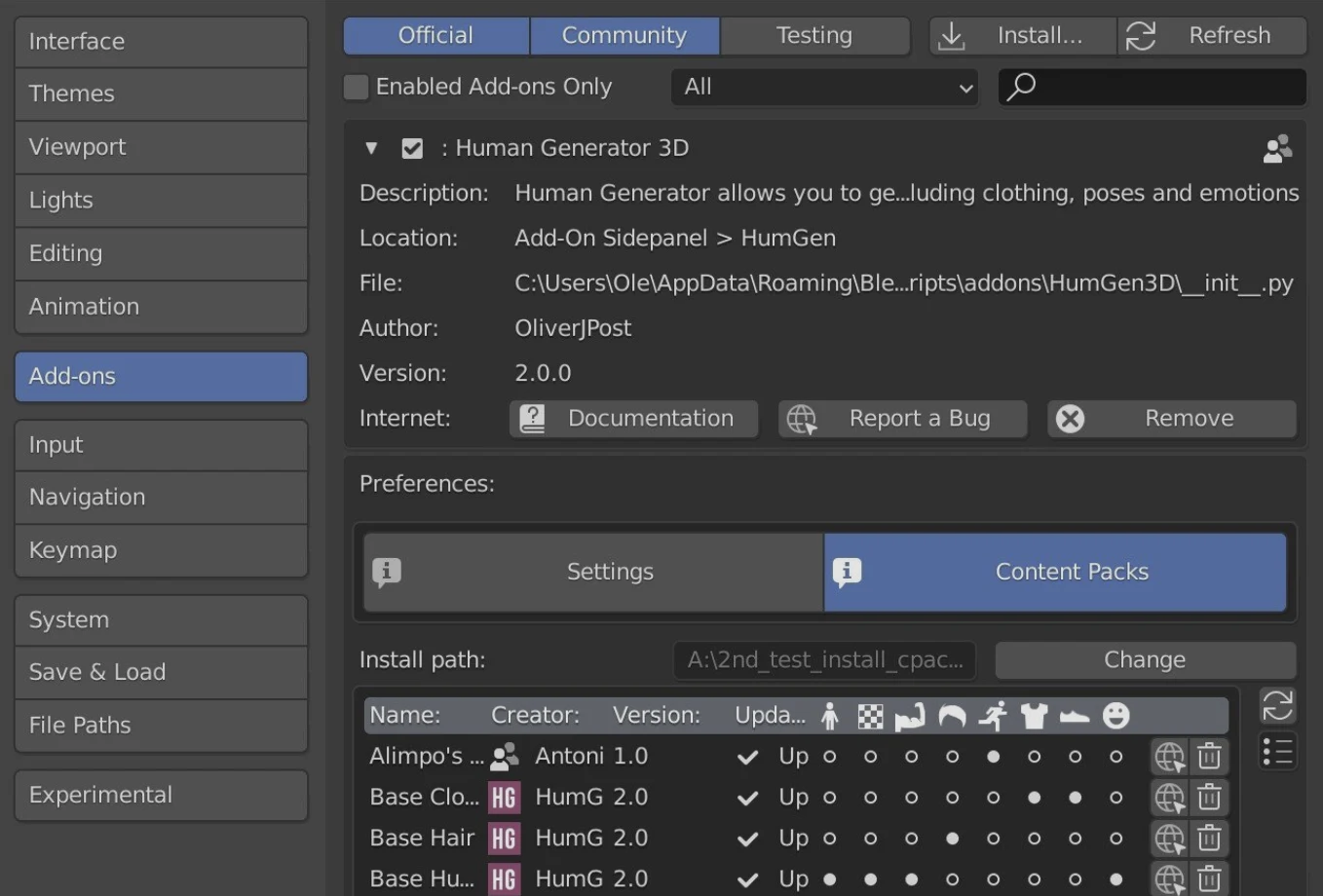
Inside Blender, go to edit>preferences>add-ons>Human Generator and unfold the preferences with the small arrow next to the name.
Step 2:
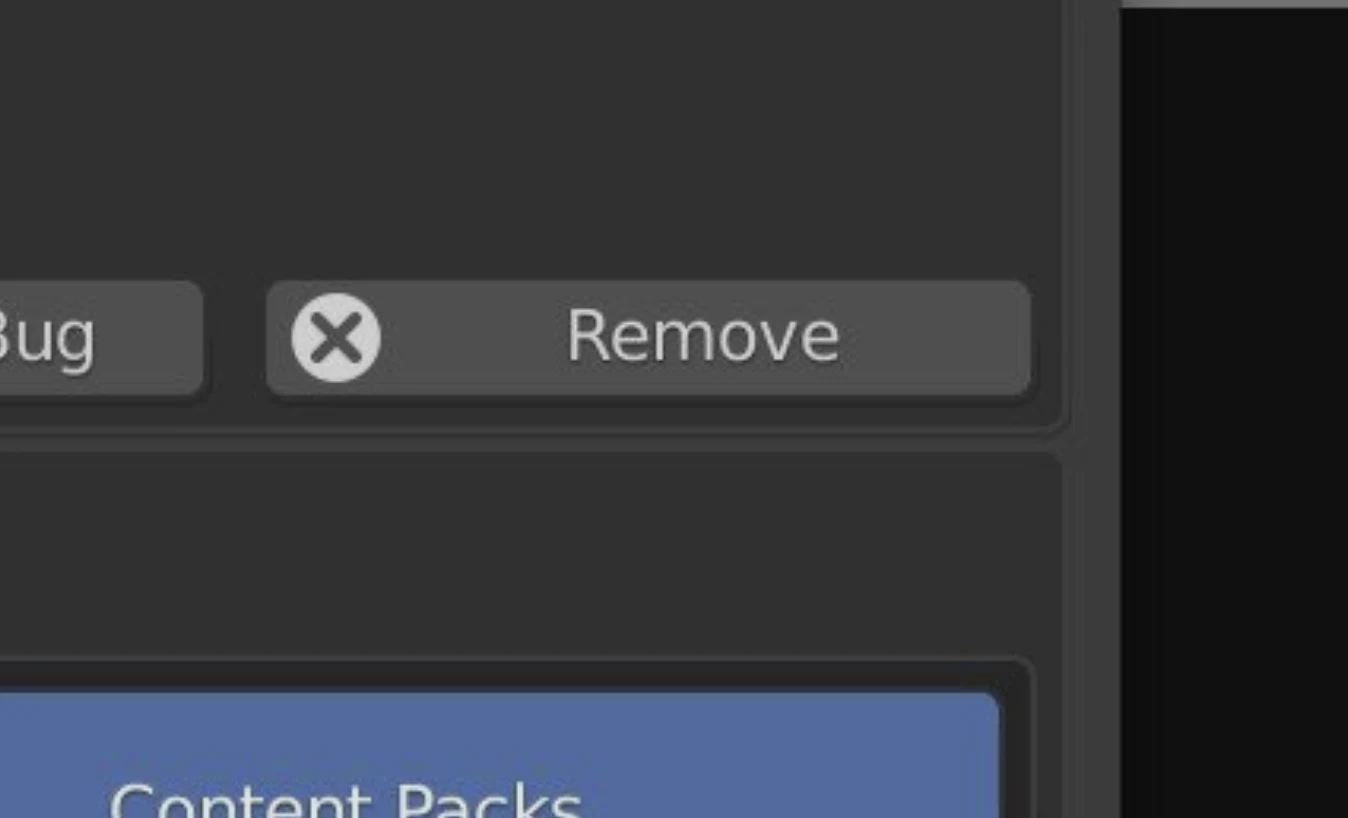
Find the Remove button to uninstall your old version of Human Generator.
Step 3: Important!
Restart Blender! To prevent errors from files that are still in memory, it’s best to restart Blender before installing the new version
Step 4:
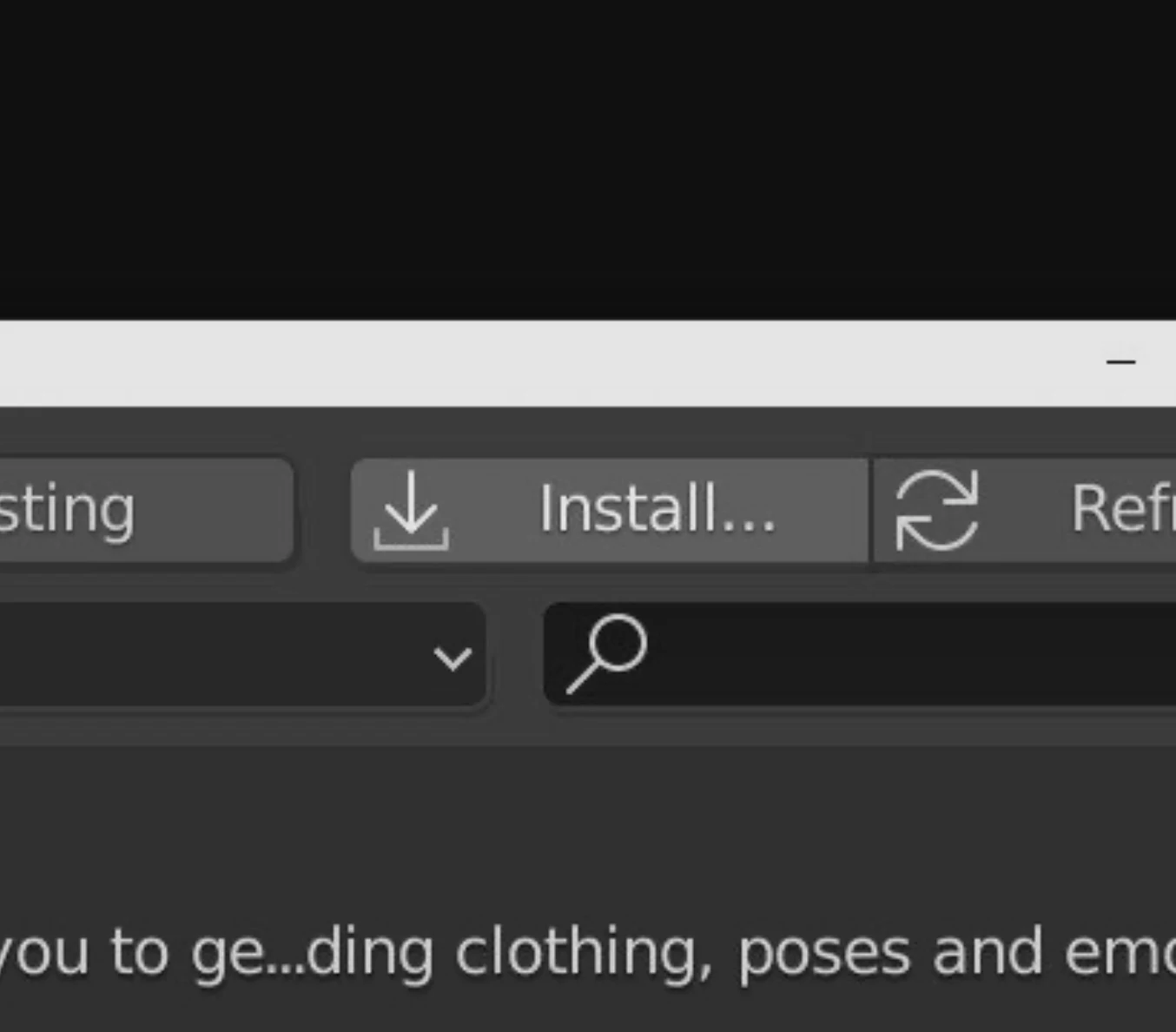
Go to the add-ons tab again (edit>preferences>add-ons) and click install in the to right corner.
Step 5:
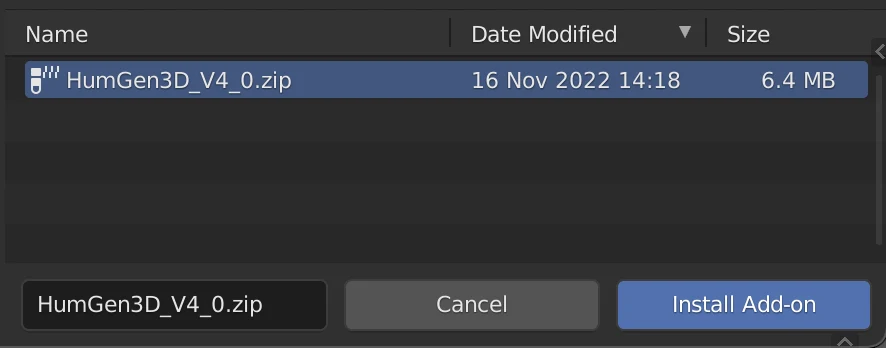
In the filebrowser popup, locate the HumGen3D_V?_?.zip file that you just downloaded. Select it and press the blue ‘Install add-on’ button.
Step 6: Important!
In this step, we will make sure humans created with previous Human Generator versions won't lose their textures.
After installing the new version of the add-on, you greeted by the content installation screen which should have a warning at the top about "legacy content".
From here on, follow the regular installation tutorial from step 3, but select a different path than your old Human Generator content packs folder. This will install the new content in a separate folder, and won't delete the old files.
Your Human Generator is now updated!
Have any questions? Contact Us
Main
Have you been advised to update to the main branch of Human Generator? This is how to do it.
For these steps to work, you need at least Human Generator V4.0.9
- Go to the Human Generator preferences (
edit>preferences>add-ons>Human Generator). - Scroll down in the Human Generator preferences to the updater section. Click on "Check now for update" and then "Install main/old version". Main should already be selected, click "OK".
- You will be prompted to restart Blender. Do this, and the add-on will be updated to main!