
Clothing
How to add and edit clothing on Human Generator characters
Adding clothing from the library is divided into two categories:
- Outfits: These include tops, bottoms and optionally headwear
- Footwear: Shoes
When you open the clothing tab in HG these two categories can be found in the two tabs:
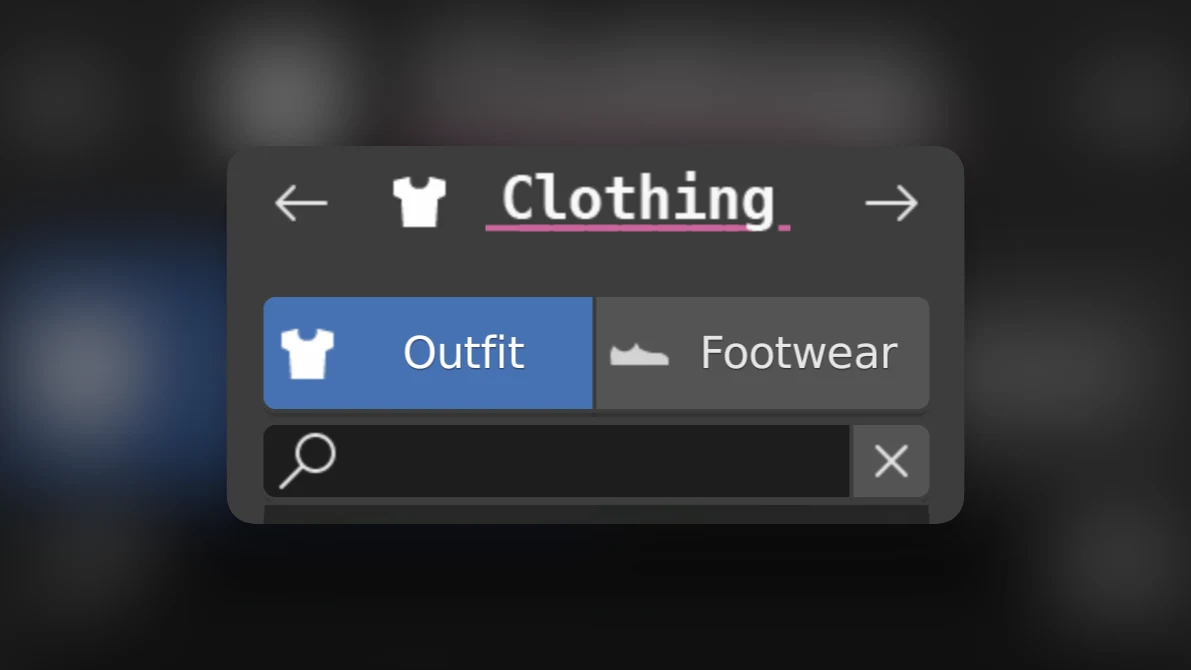
Adding library items to the human:
For both outfits and footwear, click on the selection square and select an item from the previews. It will be automatically loaded on your human. If you change your mind and would like another item, just click the selection square again and choose another item from the previews. This will override your previous outfit.
Would you like to mix and match different outfits? You can prevent the previous outfit being deleted by disabling "Remove old clothes" in the Human Generator preferences.
Python API - Adding clothing
Clothing is subdivided into two subclasses, OutfitSettings and FootwearSettings. You can access these like this:
human.clothing.outfit
human.clothing.footwear
Both have the same methods, as the directly extend BaseClothing. These examples will use outfit, but you can also use the same methods with footwear.
To add a new item from the library to the human
options = human.clothing.outfit.get_options()
chosen_option = options[0] # Select specific one, or randomly
human.clothing.outfit.set(chosen_option)Want to make custom clothing and add it to the library? See Custom clothing.
Removing clothing:
To remove a piece of clothing, simply select it and click the "Delete clothing item" button.
If you delete a clothing object with Blender's "delete" function, you might see holes in the human mesh where the clothing used to be. This is because HG uses "mask" modifiers to prevent clipping and save on invisible geometry.
If you get holes in your human, either undo and use HG's "Delete clothing item" button or manually remove the mask modifier from the body object.
Changing colors of clothing:
If you select a clothing object while the Human Generator panel is visible, you will see the clothing material options show up. Use the color fields to change the colors of the clothing item.
Adding patterns to clothing.
Human Generator comes with a library of clothing patterns. To add a pattern to an item, simply select the clothing and press "Add pattern". You can use the selection square to choose from many options.
Changing pattern colors.
Each pattern has between one and three color zones which you can change independently.