
Trial Installation Guide
Follow these steps to install Human Generator trial in Blender
Download the Add-on and Trial Content
Download both the Human Generator add-on and trial content pack to get started.
Important: Don't Unzip the Add-on!
Some browsers like Safari automatically unzip downloaded files. If this happens, you'll need to retrieve the original HumGen3D_v?_?.zip file from your computer's trash bin before proceeding.
Install the Add-on in Blender
Open Blender and navigate to:
Edit → Preferences → Add-ons → Install from DiskSelect the HumGen3D_v?_?.zip file you downloaded and confirm the installation.
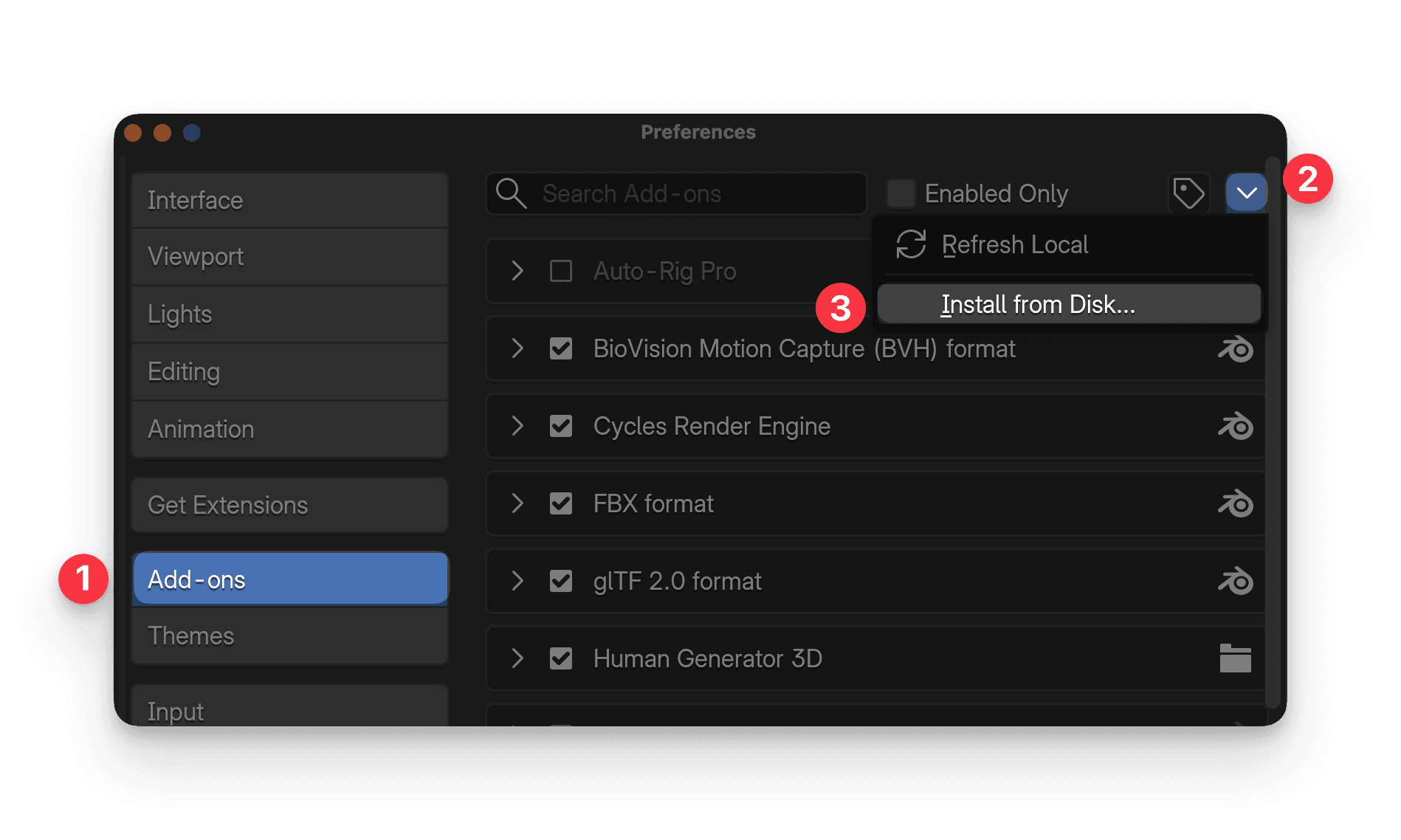
Open Add-on Preferences
Find Human Generator 3D in the add-on list and expand its preferences by clicking the arrow next to the checkbox.
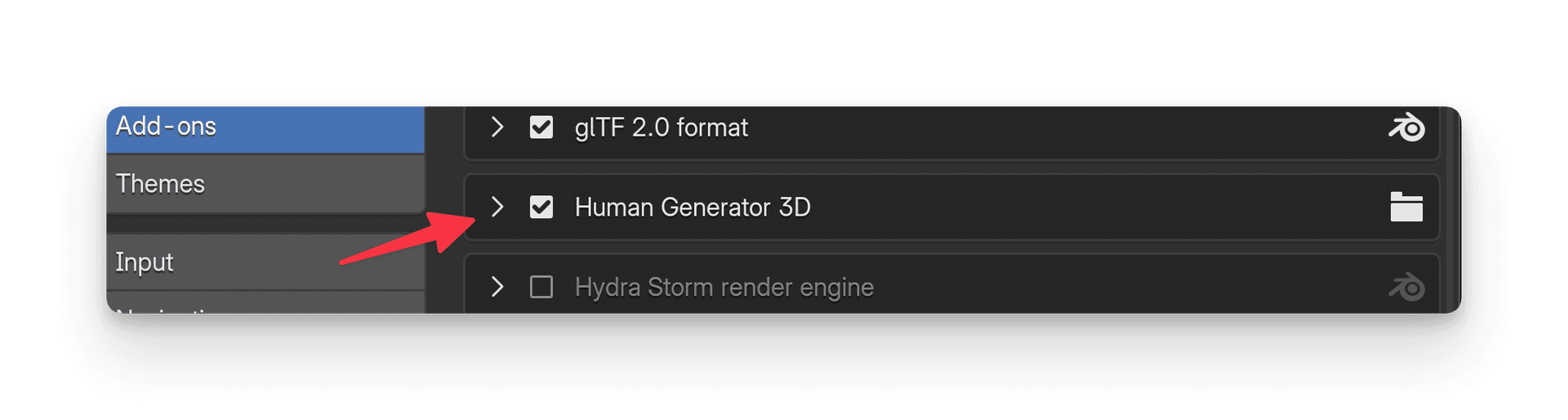
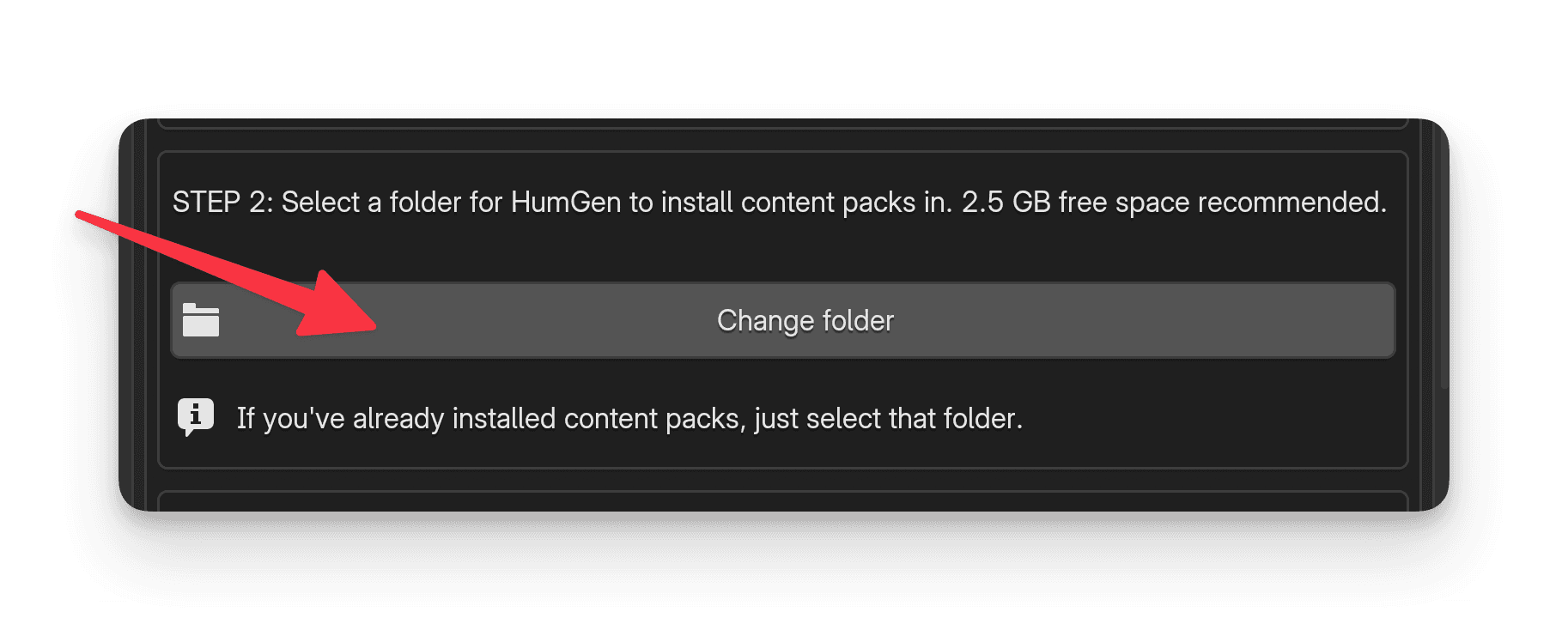
Choose Installation Location
Click the Select folder button and choose a location on your computer where Human Generator content will be installed.
Tip: Choose a location with plenty of free space, as the content library can grow over time.
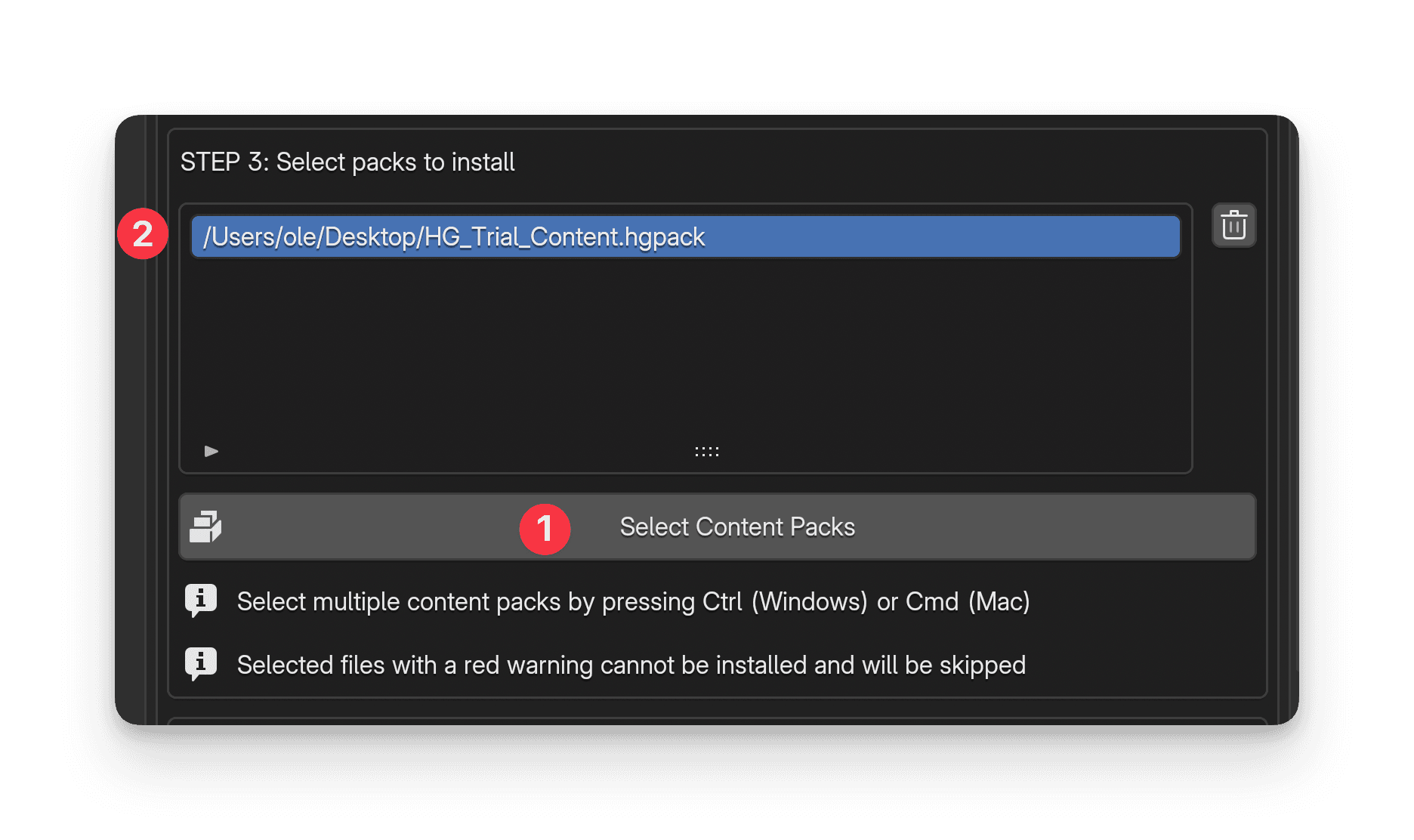
Select Trial Content Pack
Click Select content packs and navigate to the Trial_Content.hgpack file you downloaded earlier.
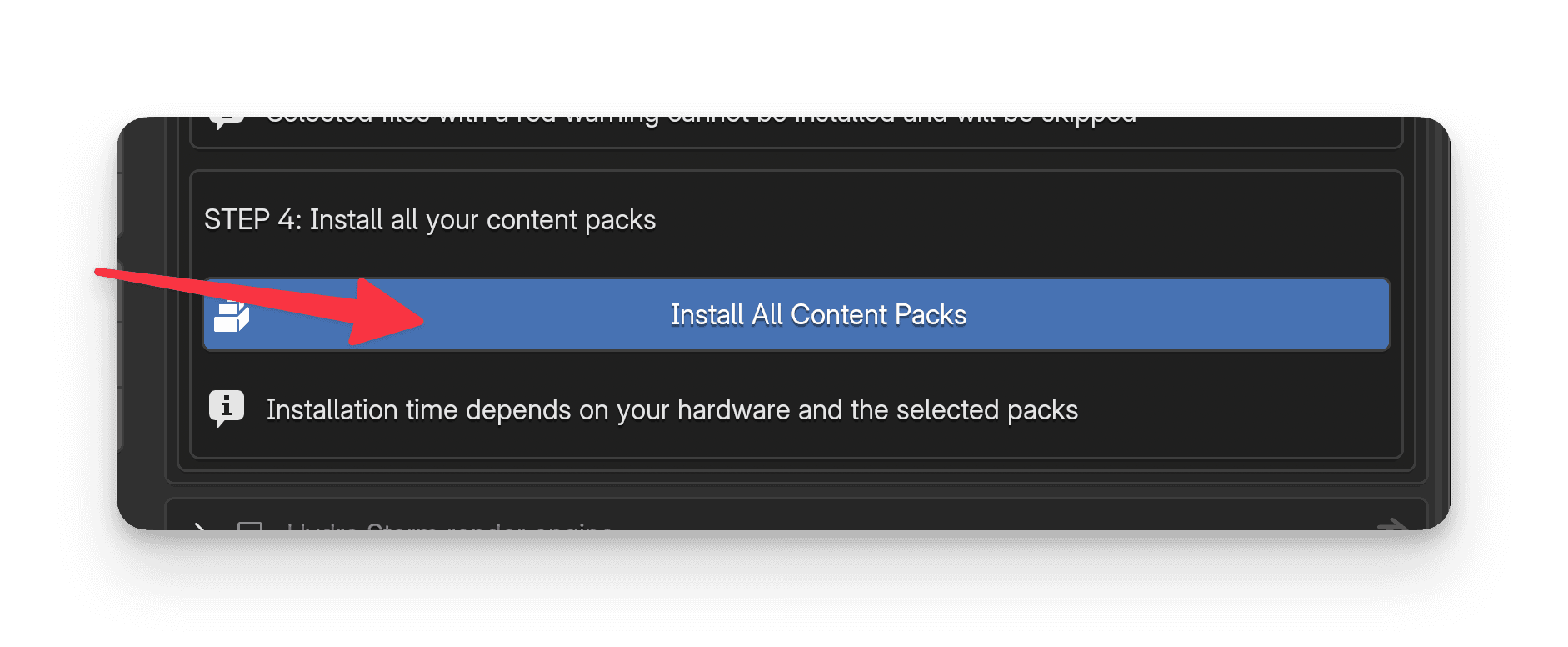
Complete Installation
Press the Install all content packs button. After a short wait, Human Generator will be successfully installed and ready to use!
Installation Complete!
Once the installation finishes, you'll find Human Generator in Blender's N-panel (press N to toggle the sidebar). You can now start creating realistic human characters!
Important: All options are locked?
In the trial version, the only starting human that is unlocked is `Caucasian 1` male in the `Caucasian Presets` category. All other starting humans are only available in the full version.
Need Help?
If you encounter any issues during installation, check out the documentation or contact support.
Read the documentation